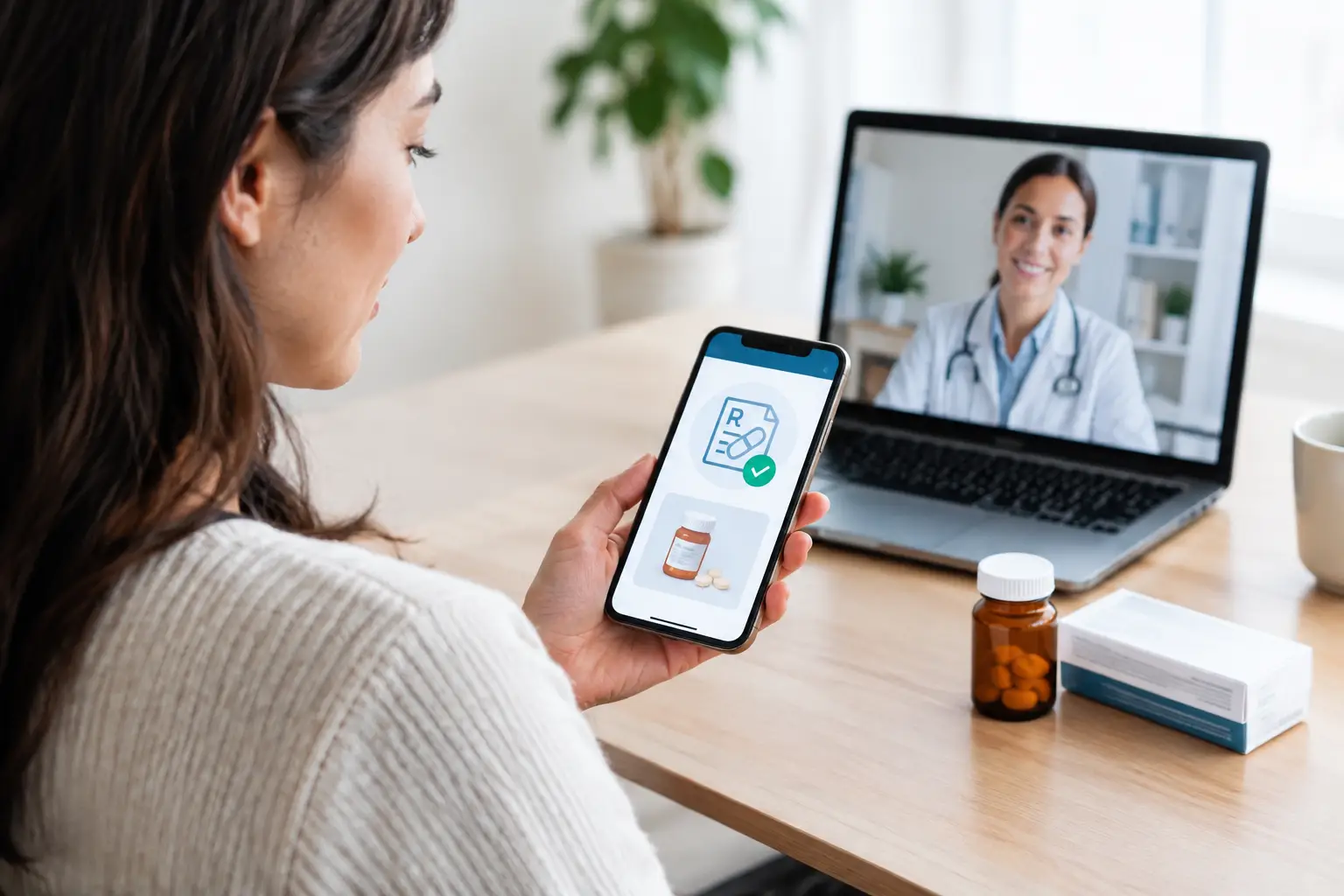
A prescription does not need to mean a paper slip, a trip back to the clinic or time spent trying to find where you put it. Knowing how to use electronic prescriptions can make routine healthcare much simpler, particularly when you have spoken with a doctor online and need to organise your medicine around work, family or travel.
In Australia, an electronic prescription is a legal prescription created by your doctor and sent digitally. You can usually receive it as a token by SMS or email, then take it to a pharmacy of your choice. The process is quick, but there are a few details worth understanding so your medicine is dispensed safely and without delays.
How to use electronic prescriptions step by step
First, you need a consultation with a doctor. This may be at a clinic or through a telehealth appointment. The doctor will ask about your symptoms, medical history, current medicines and any allergies. If a prescription is clinically appropriate, they can issue an electronic prescription after the consultation.
Your doctor may send the prescription token to your mobile by SMS or to your email address. The token is usually a secure link or barcode. It represents your prescription, so treat it with the same care you would give a paper script.
When you are ready to collect your medicine, show the SMS, email or barcode to the pharmacist. You can do this on your mobile, or print the token if that is easier. The pharmacy scans the barcode, checks the prescription and dispenses the medicine if it is in stock and appropriate to supply.
You do not usually need to use a particular pharmacy. Electronic prescriptions can generally be filled at a participating pharmacy anywhere in Australia. If you are away from home, this can be especially useful. It is still a good idea to call ahead for medicines that may not be routinely stocked.
Check your contact details before the consultation
A small typo in a mobile number or email address can hold things up. Before your appointment, make sure the telehealth provider has your current details. Let the doctor know if you prefer your prescription by SMS or email, and check your messages after the consultation.
If you cannot find the token, look in your email junk folder and check that you are looking at the correct mobile number. If it has not arrived, contact the provider that issued it rather than booking another consultation straight away. They may be able to resend the token after confirming your identity.
Take the token to the pharmacy only once
An electronic prescription token is designed to be used by one pharmacy for dispensing. Once the pharmacist has scanned and processed it, it cannot be used again elsewhere. This prevents the same prescription from being supplied more than once.
Avoid sharing the token widely or posting a screenshot of it. If a family member or carer is collecting medicine for you, send it directly to them only if you trust them to manage it securely. Your prescription contains personal health information and should be kept private.
What happens when your prescription has repeats?
If your doctor has authorised repeats, the pharmacist will usually provide a new electronic token after each supply. This token is for the next repeat. It may be sent by SMS or email, depending on the pharmacy's process.
Keep the new token until you need it. A simple option is to leave the SMS in your messages and avoid deleting it. If you use email, consider filing prescription emails in a dedicated folder so they are easy to locate later.
Repeats are not an automatic instruction to keep taking a medicine indefinitely. Your doctor may ask you to book a review before issuing further repeats, particularly for medicines that need monitoring or if your health has changed. This is part of safe care, not unnecessary red tape.
Using an Active Script List instead of individual tokens
Some patients may choose to use an Active Script List, often called an ASL. This is a secure list of your current electronic prescriptions held by a participating pharmacy. Instead of presenting a separate token every time, you can ask the pharmacy to access your active prescriptions with your consent.
An ASL can be useful if you manage several regular medicines, have repeat scripts or prefer not to keep track of multiple SMS messages. It can also make it easier for a regular pharmacy to see which active prescriptions are available to dispense.
It does come down to personal preference. Individual tokens may suit you if you only need an occasional prescription or prefer to decide which pharmacy sees each script. An ASL may be more convenient for ongoing treatment. Your pharmacist can explain how to register, who can access the list and how to change or cancel your consent.
A few practical points before you collect your medicine
Electronic prescriptions make the prescription process easier, but they do not replace the pharmacist's role. Your pharmacist will still check the medicine, discuss directions for use and answer questions about side effects, interactions or storage. Tell them about other medicines, vitamins or supplements you take, including those bought without a prescription.
It is also worth allowing time for the pharmacy to prepare the medicine. Some pharmacies can organise prescriptions before you arrive if you send the token through their preferred method, while others will need you to present it at the counter. Availability varies, especially for less common medicines or during busy periods.
If you are using the Pharmaceutical Benefits Scheme, take your Medicare card and any relevant concession card to the pharmacy. Eligibility, co-payments and medicine availability can vary. The pharmacist can tell you what applies to your prescription.
When an electronic prescription may not be the right option
Electronic prescriptions are suitable for many common healthcare needs, including repeat medicines and treatment for conditions a doctor can assess safely through telehealth. However, a doctor may decide that an in-person examination, test or ongoing review is needed before prescribing. That decision is based on your clinical needs.
Some medicines have additional prescribing and dispensing rules. These may involve identity checks, authority requirements, limits on repeats or a need for closer monitoring. An electronic format does not change those safeguards.
Telehealth is not for emergencies. If you have severe chest pain, trouble breathing, signs of stroke, severe bleeding, a serious allergic reaction or immediate safety concerns, call 000 or attend the nearest emergency department.
Getting a script through telehealth
For straightforward concerns, telehealth can save the time involved in travelling to a clinic and sitting in a waiting room. With Click For Health, you can book a consultation with an Australian-registered doctor, discuss your needs privately and receive an electronic prescription when the doctor considers it appropriate.
Be ready to explain why you need the medicine, how long you have had symptoms, any previous treatment and any changes to your health. For repeat prescriptions, have the medicine name, dose and your regular pharmacy details available if you know them. Clear information helps the doctor make a safe decision.
Electronic prescriptions are healthcare made simpler, not healthcare made less careful. Keep your token secure, speak openly with your doctor and pharmacist, and ask questions whenever something about your medicine does not feel clear.