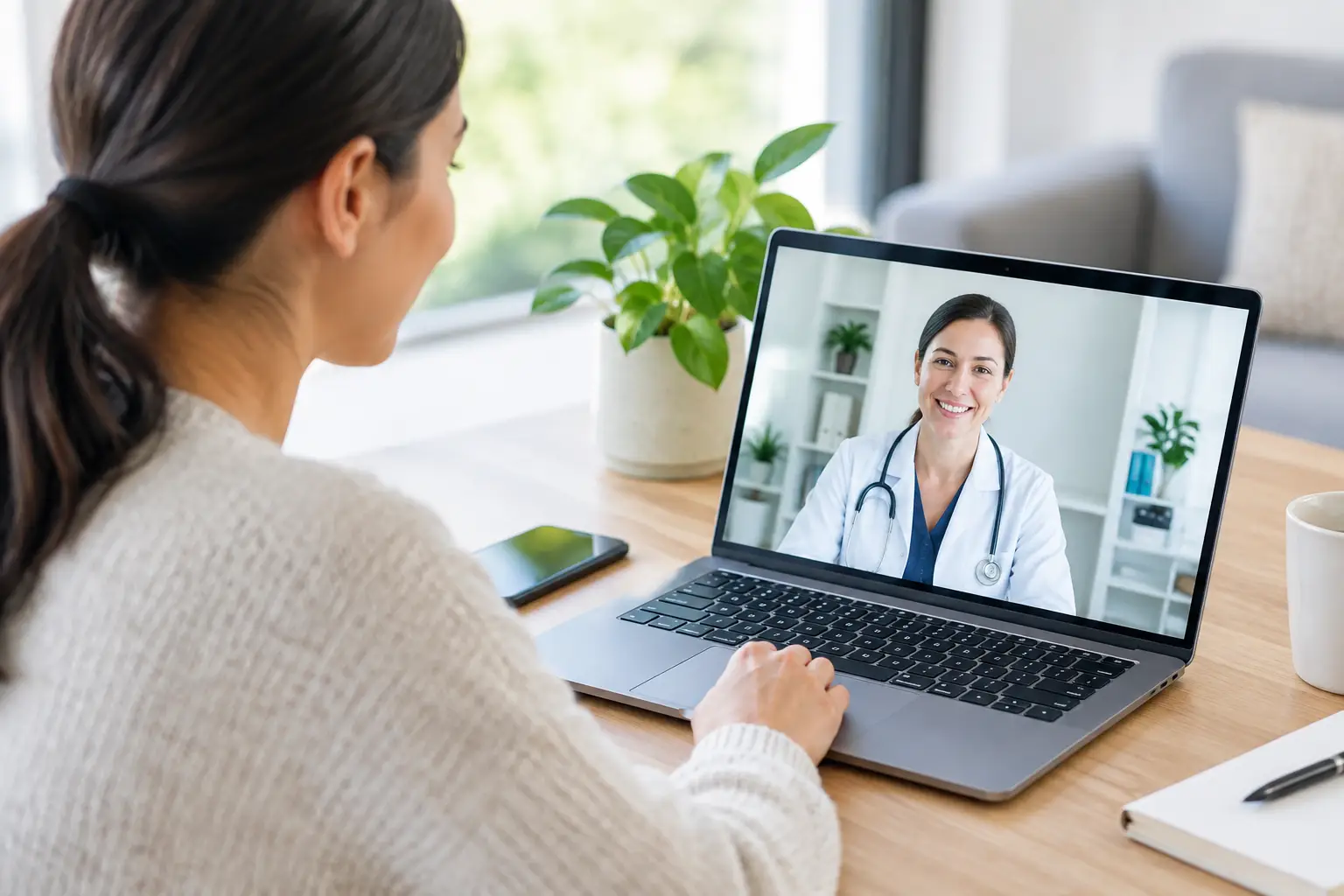
A telehealth appointment can save the trip to a clinic, time in the waiting room and the challenge of fitting healthcare around work or family. To prepare for a telehealth appointment, set aside a few minutes before your consultation to get your details, questions and technology ready. It is a simple step that helps your doctor focus on what you need.
Why preparation makes a difference
Online consultations are designed to be quick and easy, but your doctor still needs a clear picture of your symptoms, medical history and the outcome you are seeking. This could be advice for a new health concern, a repeat prescription, a medical certificate, a pathology referral or support managing an ongoing condition.
Preparation does not mean you need to diagnose yourself. It means having the useful facts close by. When you can explain what has changed, when it started and what you have already tried, your doctor can make a more informed clinical decision.
Telehealth is a practical option for many common health needs. However, it cannot replace an in-person examination when a physical assessment is needed. Your doctor may recommend a face-to-face appointment, tests or urgent care depending on your symptoms.
Prepare for a telehealth appointment before it starts
Start by confirming the appointment time, the consultation method and the mobile number or email address connected to your booking. Some appointments are completed by phone, while others may use video. Check your notifications shortly before the consultation in case there are instructions from the provider.
Give yourself a little buffer either side of the appointment. A rushed call from a noisy car park or between meetings can make it harder to speak openly and take in your doctor’s advice. If you are booking for a child or someone you care for, make sure the person who knows their symptoms and medical history is available for the call.
It also helps to think about your main reason for booking. You may have more than one concern, and that is okay. Start with the issue that feels most urgent, then let the doctor know about any other questions early in the consultation. This helps you both use the available time well.
Choose a quiet, private place
Privacy matters in every medical conversation. Find a place where you can speak without being overheard, whether that is a room at home, a private office or another quiet space. Use headphones if they make you feel more comfortable, particularly if you are discussing sensitive concerns such as sexual health, mental health, contraception or a medical certificate.
Good lighting is useful for video consultations, especially if the doctor needs to look at a visible symptom such as a rash, swelling or an eye concern. Sit facing a window or lamp rather than placing a bright light behind you. Keep your phone or computer steady and within easy reach.
If your home is busy, let others know you will be unavailable for a short time. A private setting gives you room to be honest about symptoms and ask questions without feeling rushed.
Check your technology, but keep it simple
You do not need special equipment for most telehealth consultations. A charged mobile, tablet or computer, reliable internet for video calls and a clear phone signal for phone consultations are usually enough.
Before the appointment, check that your device has power and that you can answer calls from an unknown number if required. If you are using video, test your camera, microphone and internet connection. Close unnecessary apps, especially if your device is running slowly.
Keep a backup option in mind. If your video connection drops out, a phone call may still allow the consultation to continue. If you have accessibility needs, such as hearing difficulty, limited mobility or trouble using a particular device, mention this when booking where possible.
Have the right health information nearby
You do not need to memorise your full medical history. A few notes can make a real difference, particularly when you are unwell, tired or managing a long-term condition.
Before your appointment, have these details on hand:
- Your current medications, including the name, dose and how often you take them. Include vitamins, supplements and over-the-counter medicines.
- Any medication allergies or past reactions, along with relevant conditions such as asthma, diabetes, high blood pressure or kidney disease.
- A short timeline of your symptoms: when they began, whether they are improving or worsening, and what triggers or relieves them.
- Recent measurements or results that may be relevant, such as temperature, blood pressure, blood glucose readings, weight or previous pathology results.
- The name and contact details of your usual GP, pharmacy or specialist if the doctor may need this information.
For a repeat script, check exactly which medicine you need and whether you have any repeats remaining. For a referral or pathology request, write down the reason you are seeking it and any symptoms or previous results connected to the request. A prescription, certificate or referral is issued only when it is clinically appropriate, so clear information helps the doctor assess your situation safely.
Take photos only when they are useful
For skin concerns, eye redness, minor swelling or a healing wound, clear photos can help provide context. Take them in good light and include a few images from different distances if needed. Photos do not replace an examination, but they can show changes over time or details that are difficult to see through a video call.
Avoid delaying urgent care to take photos or wait for an online appointment. If symptoms are severe or rapidly worsening, seek urgent medical help.
Write down your questions
It is easy to forget what you wanted to ask once the consultation begins. A short note on your mobile or a piece of paper is enough. You might want to ask what your symptoms could mean, how to use a medication, when you should expect improvement, whether you need tests, or what warning signs to watch for.
Be direct about what you need from the appointment. If you need a medical certificate for work or study, say so at the beginning. If you are concerned about a possible UTI, migraine, allergy flare-up or medication side effect, explain what is happening in plain language. There is no need to have the medical terms right.
Be ready to answer questions about your symptoms. Doctors commonly ask when the problem started, how it has changed, whether you have pain or fever, what treatments you have tried and whether you have had the issue before. Honest answers, including information that may feel minor or embarrassing, support safer care.
During the consultation, be clear and ask for clarification
Start with your main concern in one or two sentences. For example: “I have had a sore throat and fever for two days, and it is getting worse,” or “I need to discuss my blood pressure medication because I have run out of repeats.” From there, your doctor will guide the conversation.
If you do not understand a question or recommendation, ask. You can say, “Could you explain what that means?” or “What should I do if this does not improve?” It is also reasonable to check practical details before the call ends, including when and how any prescription, referral, pathology request or certificate will be sent.
At Click For Health, consultations are provided by Australian-registered doctors through a secure telehealth service. Your doctor will assess your individual needs and advise whether telehealth is suitable or if you should be seen in person.
Know when telehealth is not the right option
Telehealth is not for emergencies. Call Triple Zero (000) or go to the nearest emergency department if you or someone else has chest pain, severe breathing difficulty, signs of stroke, major bleeding, loss of consciousness, a serious injury or thoughts of self-harm.
You should also seek urgent in-person assessment for symptoms that are severe, sudden, rapidly worsening or worrying you. A doctor may need to examine your abdomen, listen to your chest, check your ears, take a swab or perform other tests that cannot be done remotely.
Choosing telehealth first does not mean you are locked into an online-only pathway. A good consultation includes clear advice about the next step, including when to see a GP or attend a clinic.
Keep the follow-up advice where you can find it
After the appointment, save any certificate, referral, prescription details or care instructions in a place you can access later. If you have been asked to monitor symptoms, note any changes and follow the timeframe your doctor has given you.
A few minutes of preparation can make healthcare feel far less complicated. Find a quiet spot, keep your key details nearby and speak openly about what is happening. Then you can get the most from your consultation and move on with your day with a clear plan.